FrameExtractor
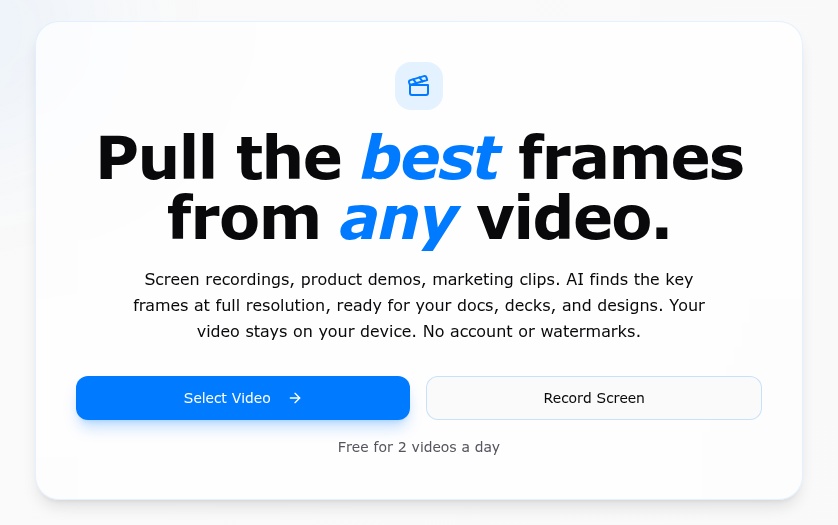
Turn screen recordings and product demos into a clean set of full-resolution frames for specs, decks, and designs — with AI processing that keeps footage on your device.
Why I built it
As a product manager, I spend a lot of time documenting how apps and websites actually work: writing specs, redlining flows, and walking teammates through user journeys screen by screen.
The tedious part was turning a recording into those screens. I'd scrub through a video and press the screenshot key over and over, looking for the important states. I built FrameExtractor to automate that work without uploading the footage anywhere.
See it in action
The 70-second demo shows the path from a video to a gallery of extracted frames.
From a recording to useful artifacts
- Pick a video or record your screen. Open an existing recording or capture a new one in the browser. Common formats include MP4, MOV, and WebM, depending on browser codec support.
- Find the moments that changed. AI-powered detection identifies key frames, while smart deduplication filters near-identical screens.
- Review and download. Select useful frames from the gallery and export them at the video's native resolution, without watermarks. Pro adds bulk ZIP export, high-quality JPG, and lossless PNG.
The result is a set of stills ready for product documentation, presentations, design reviews, and content workflows — rather than another afternoon of manual screenshots.
Bring the tool to the video
Privacy is a product constraint, not an extra step. Frame extraction runs in the browser on the user's device. The video isn't uploaded or stored on a server, so getting useful frames doesn't require handing over a copy of the recording.
This also removes the upload-first workflow and server upload-size caps. Processing still depends on the device and the browser's ability to play the source video. Exporting at native resolution preserves what's there; it can't restore detail missing from the original footage.
There is no account or email requirement to start. Frame extraction works in supported mobile browsers as well as on desktop.
Beyond product documentation
The original problem came from my own PM workflow, but the same need shows up elsewhere. The current site speaks to UX designers capturing user journeys, marketers pulling stills from clips, startups preparing demos and decks, and creators repurposing video.
Free provides a way to try the core workflow with individual JPG downloads. The optional one-time Pro upgrade adds unlimited videos, bulk export, and additional image formats — keeping the same local-processing approach.
Pro also offers on-device English transcription on desktop, with plain-text and timed subtitle exports (.txt and .srt). The speech model downloads before its first use; the video and audio stay on the device.
An actively maintained side project
FrameExtractor is a small tool built around a real, recurring task. I'm actively maintaining it, with a direct feedback path for bugs, feature requests, and ideas from people using it in their own workflows.